Sprite Sheet Maker for Sprite Animation and Frame Assembly

Create sprite animation from a character idea or arrange artwork you already have. This sprite sheet maker combines AI action frames, PNG and WebP frame import, pixel editing, playback preview, and transparent atlas exports with coordinate metadata.

Workspace view

From a Character Reference to Action Frames

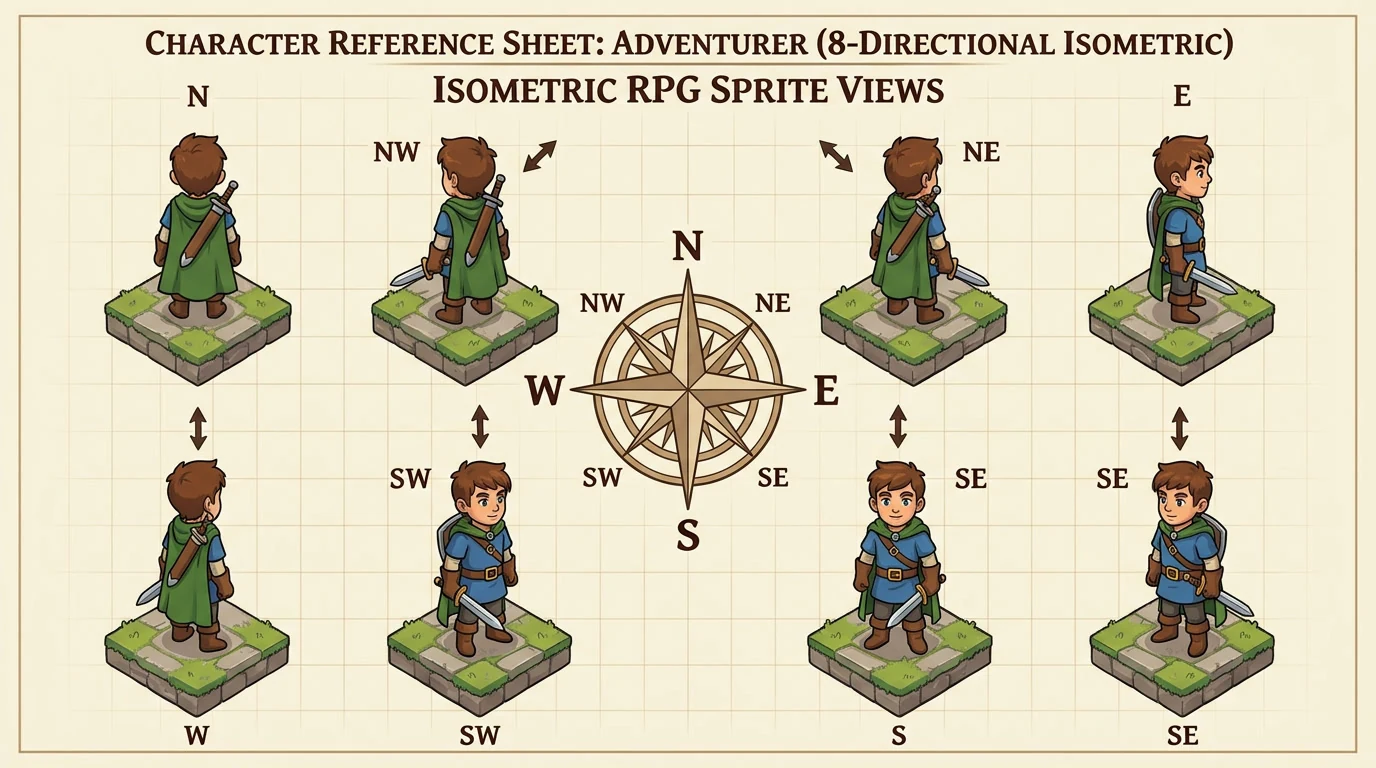
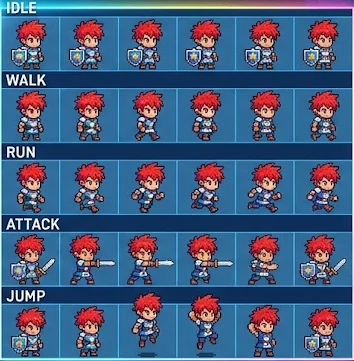
See a character reference alongside a generated sequence. The sprite sheet maker turns an action brief into frames you can play, inspect, and edit, so you can judge motion before preparing an atlas.

Red-haired warrior concept in the Sprite Flow illustration
Character reference
Matching warrior arranged as a sprite sheet in the Sprite Flow illustration
Action frames example

How to Build Sprite Animation with the Sprite Sheet Maker

Build a sprite sheet

Choose Your Starting Material

Add a character reference and describe its action in the sprite sheet maker, or import existing frames when you already have artwork to arrange.

Play and Refine the Sequence

Generate four or eight frames, then preview the animation. Adjust playback speed, inspect each pose, and correct selected pixels or frame order before exporting.

Download Your Animation Assets

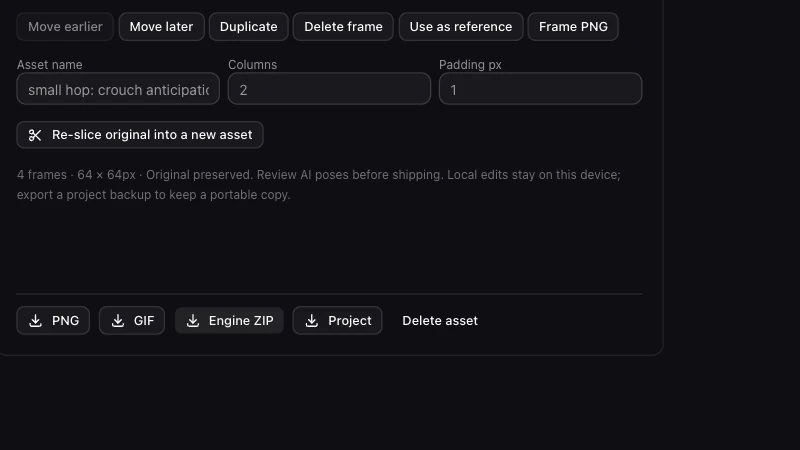
Export a transparent PNG atlas, separate frames, coordinate metadata, or a GIF. Save the sprite sheet maker project to keep your editable sequence for later revisions.

A Sprite Sheet Generator for Pixel Art Animation

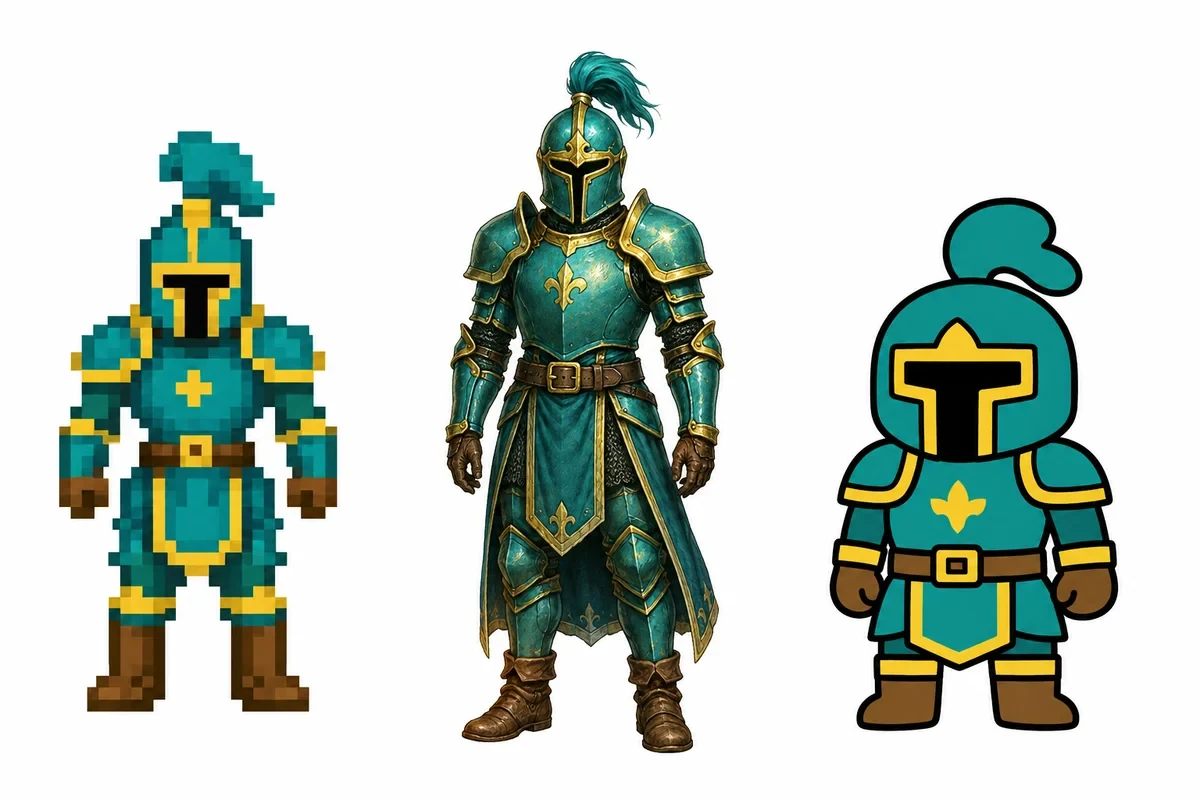
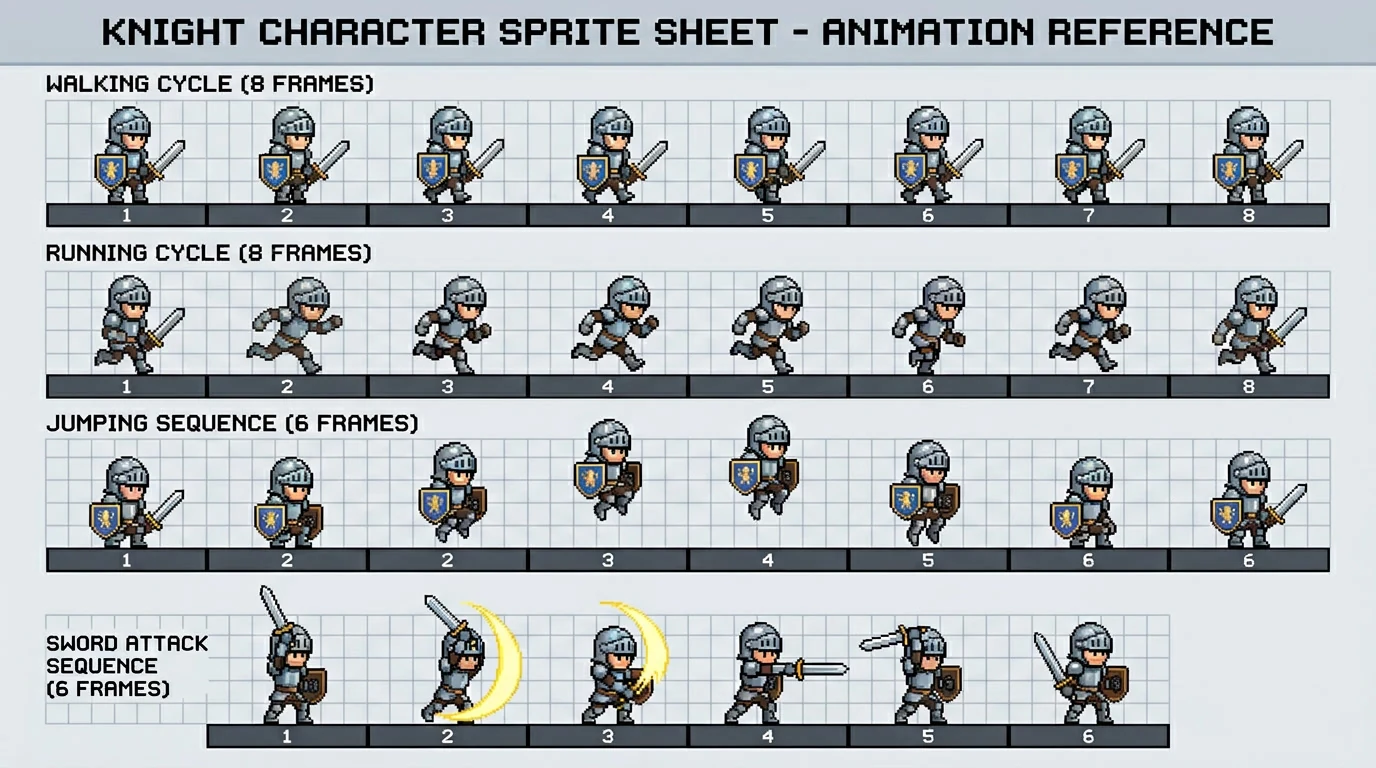
Illustrative knight action sequences arranged in rows

Generate Sprite Sheet Animation from a Character

Use the AI sprite sheet generator to explore a walking, jumping, or other short action from a character description or reference. The sprite sheet maker creates four or eight frames for review; inspect posture and character details before choosing a sequence.

Generate action frames

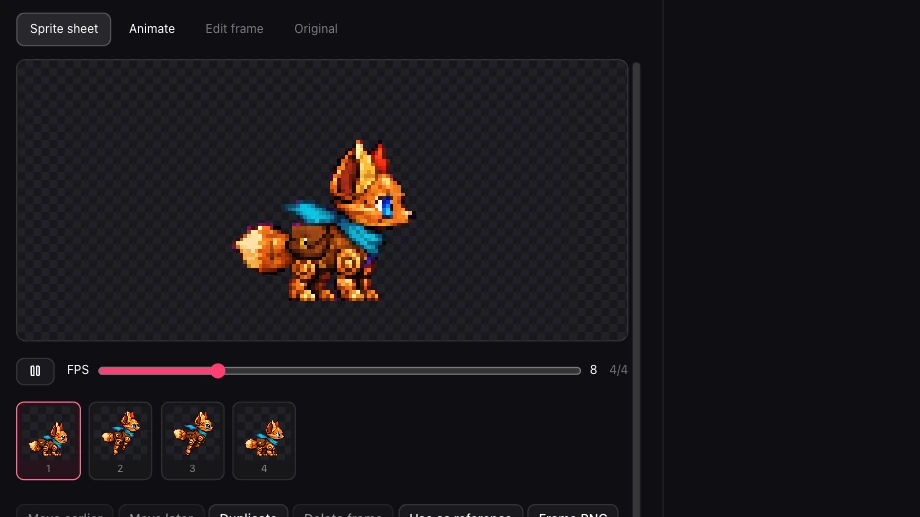
Illustration of a grid separated into individual image frames

PNG to Sprite Sheet with Your Existing Frames

Bring existing PNG or WebP frames into the sprite sheet maker for local assembly. Check their order, preserve the poses you have already drawn, and prepare a sheet without asking AI to redraw your artwork.

Import your frames
Real animation preview and playback controls

A Pixel Art Animator for Reviewing Frame Timing

Use the sprite animator preview to play your sequence and adjust its frames per second. The sprite sheet maker lets you compare playback with individual poses, making it easier to spot a pause, awkward transition, or frame that needs correction.

Preview your animation
Real Sprite Sheet Maker export controls

Package Images and Coordinates Together

The sprite sheet maker exports transparent PNG atlases and individual frames with JSON, XML, and CSS metadata in a ZIP. Use the coordinates to locate frames in your own import workflow, or download a GIF when you want a quick motion preview.

Export your sheet

Why Use This Sprite Sheet Creator

Keep generation, frame inspection, and packaging in one workflow. Whether you begin with a reference or finished artwork, check the motion and refine the sequence before handing assets to your project.

Assemble Frames in the Sprite Sheet Maker

Use the sprite sheet maker to generate new poses with AI, or import existing artwork when you want to assemble frames without redrawing them.

See the Sequence Before Export

Play the animation and inspect individual frames together. Adjust playback speed and review the transitions before deciding whether the action fits your character.

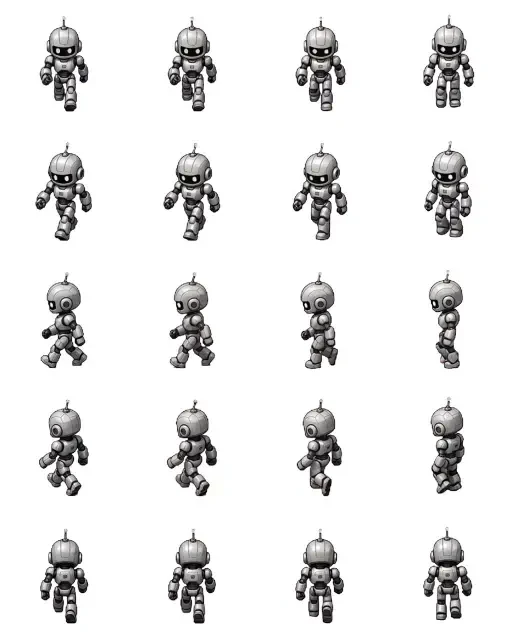
Selected robot poses from the Spritesheet AI public animation sheet

Keep Practical Handoff Options

The sprite sheet maker gives you atlases, separate PNGs, coordinate files, and GIF previews, so you can choose the output your next step needs.

Sprite Sheet Maker Questions, Answered

Sprite Maker

Build Your Next Animation in the Sprite Sheet Maker

Bring a character reference or existing frames. Preview the motion, refine what needs attention, and download the assets for your next project step.

Build a sprite sheet