Readable pixels
Inspect silhouettes, transparent edges, and individual poses at the size your project needs.
About AI Sprite Generator
Tools for game developers and pixel artists who want to create characters, inspect action frames, and refine their assets before export.
“Create a character, inspect its pixels, and decide how it moves.”
The workflow
A game asset needs more than a first image. Its silhouette must read at the intended size, its directions need inspection, and its action frames need to work as a sequence.
AI Sprite Generator connects pixel art, character creation, and sprite sheet workflows. Start from a description, a reference, or existing frames, then inspect and refine the result with local editing controls.
Export images and coordinate files when the asset is ready for the next step. Keep a project backup for later changes, and review AI details and animation transitions before using the work in your game.
What you can make
Create an asset, refine its pixels, and prepare images or animation frames for your project. Each tool focuses on a specific step in that workflow.
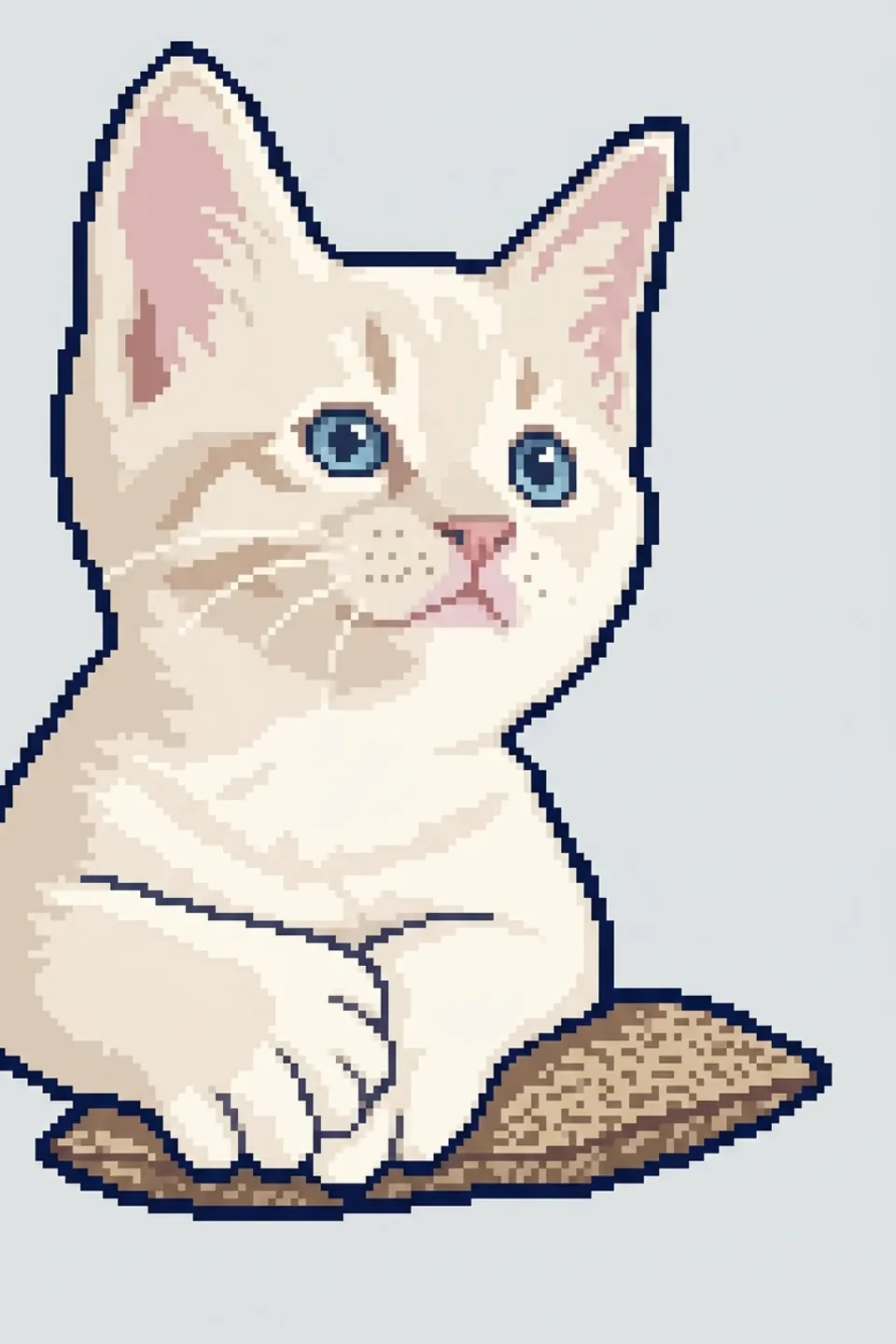
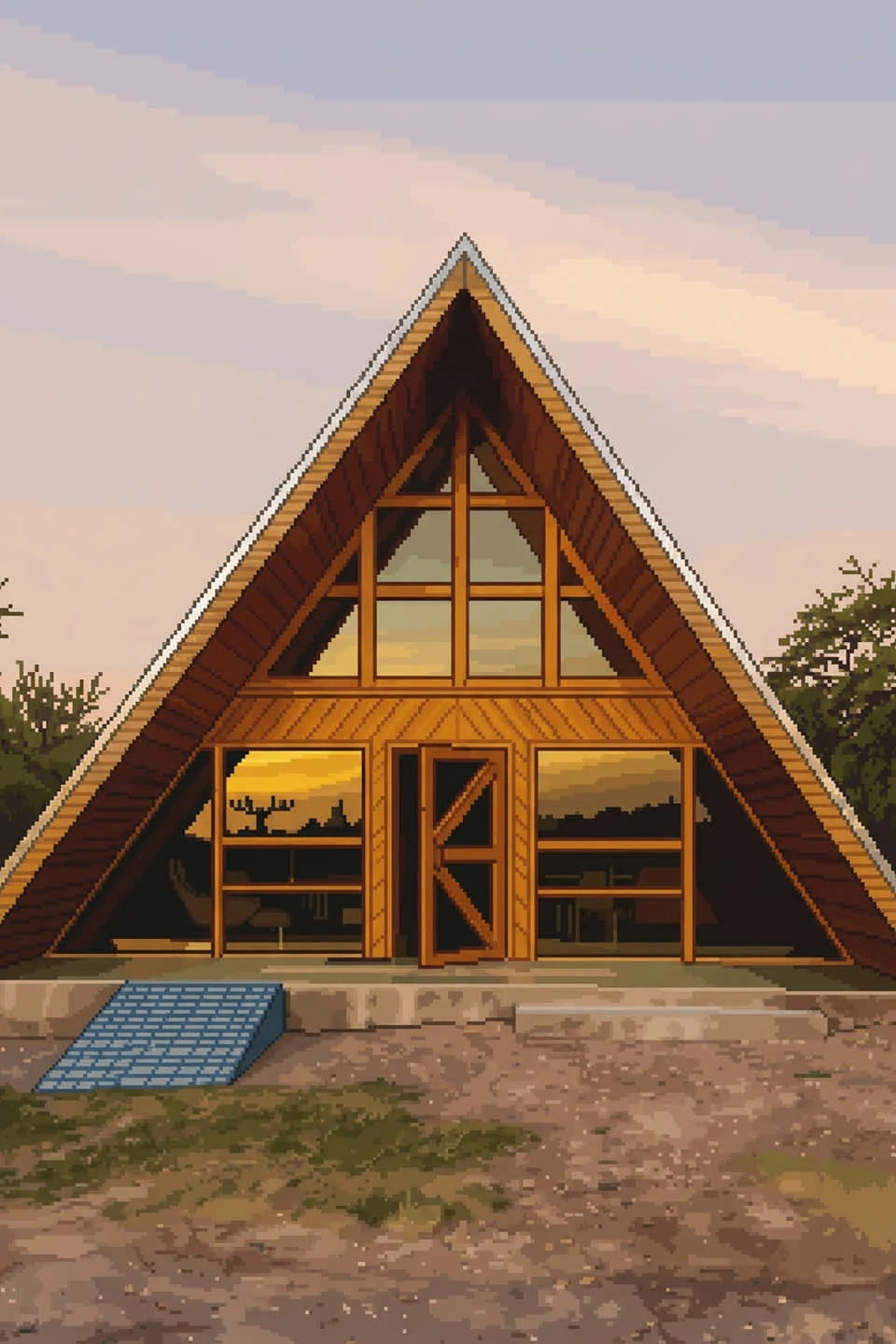
Describe an icon, prop, or character idea, or add a reference image. Generate a pixel asset at 32, 64, or 128 pixels and inspect the result.
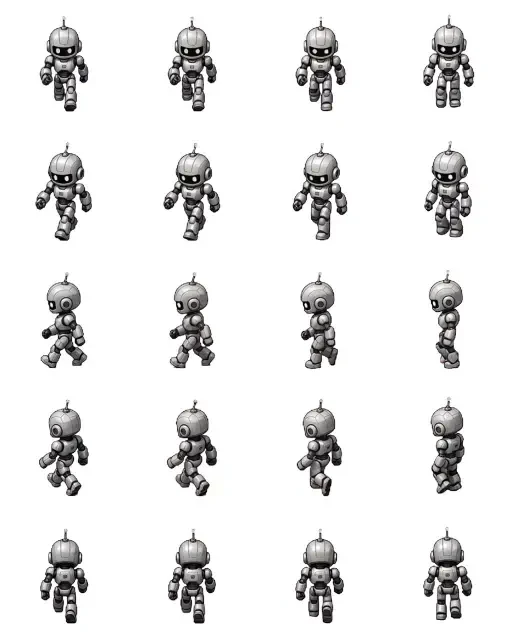
Explore a character, four or eight direction views, or an NPC set. Use a reference to communicate a chosen design and review the generated details.
Generate four or eight action frames or import your own artwork. Play the sequence, adjust playback speed, and inspect each pose before export.
Paint, erase, undo, flip, or offset individual frames. Make small corrections yourself while keeping the parts of an asset you already like.
Download PNG images, GIF previews, or a ZIP with frames and JSON, XML, and CSS coordinate metadata for your own import workflow.
Continue work in the current browser or download a project backup. Keep your assets, frame edits, order, and settings in an editable copy.
Our purpose
Make asset creation easier to start and easier to revise. AI provides a starting image; direct editing and clear exports help you decide what belongs in your project.
Inspect silhouettes, transparent edges, and individual poses at the size your project needs.
Choose an asset, direction set, or animation sequence, then take the images into your own workflow.
Keep useful results and make small pixel corrections without generating a whole new image.
Descriptions, references, and direct pixel edits keep the final asset tied to your own choices.
Start with one asset idea or a character reference. Generate, inspect, and refine it before taking the result into your project.
Have a question about your sprite workflow? support@spritemaker.app