Pixel Art Maker for AI Generation and Pixel Drawing

Make pixel art online from a clear idea or reference image. Pixel Art Maker combines AI generation with individual pixel drawing, so you can explore an asset, refine its details, and download a transparent PNG.

Workspace view

From a Visual Reference to Editable Pixel Art

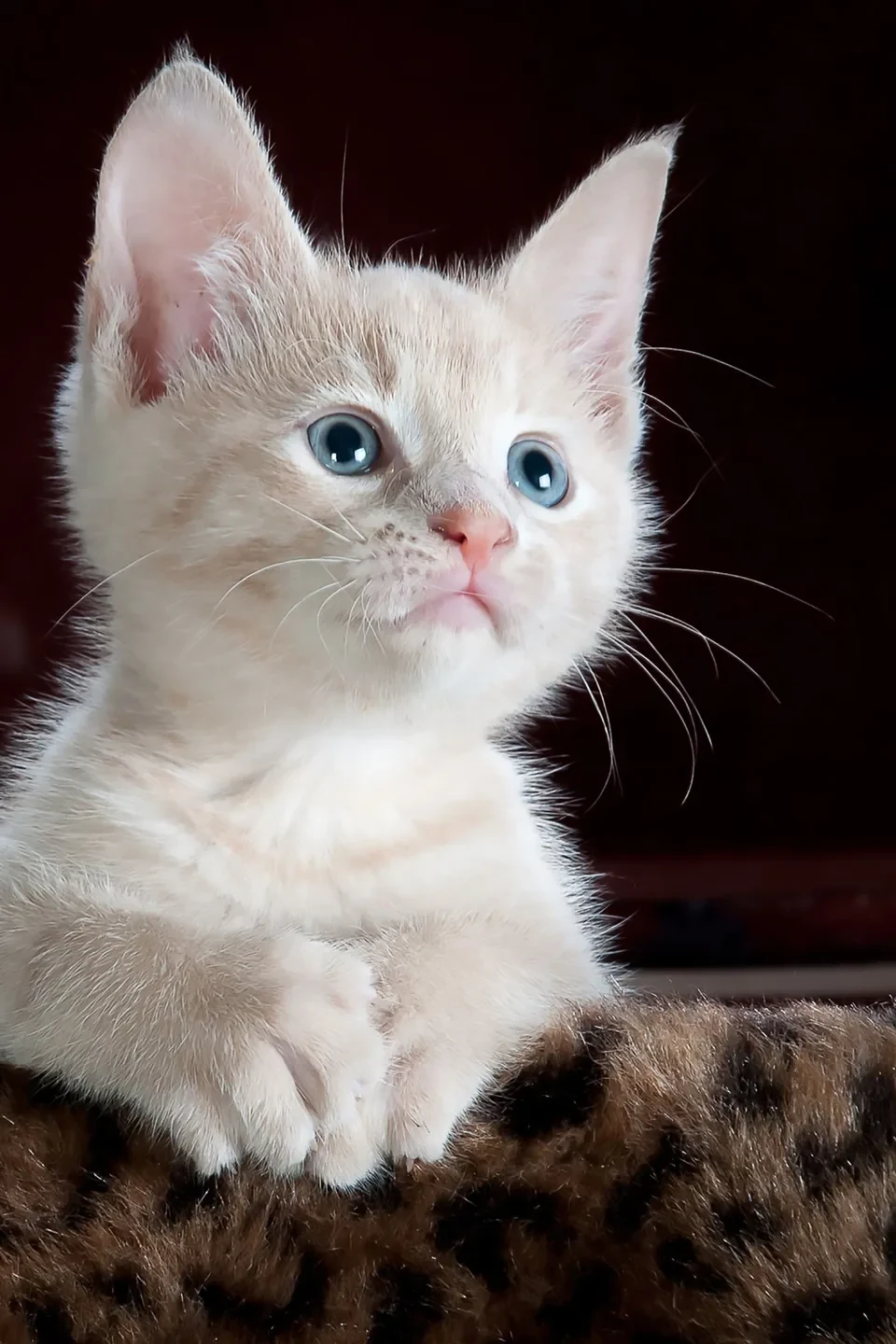
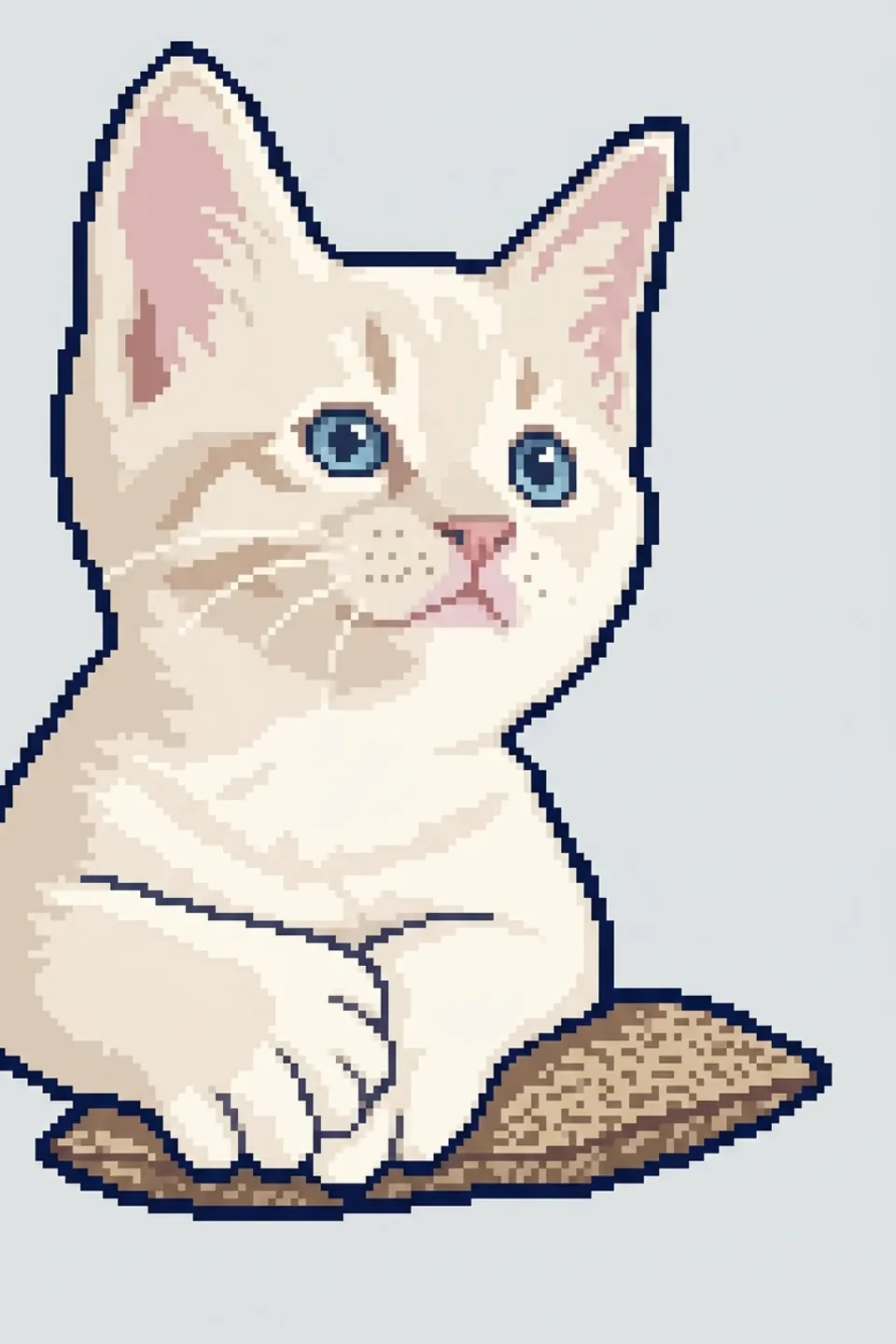
See how a recognizable reference becomes a pixel image. Pixel Art Maker lets you start from visual context, then inspect the shape, colors, and edges before choosing an asset to refine.

Kitten photograph used in the NanoPic reference conversion example
Reference image
Matching kitten redrawn as pixel art in the NanoPic example
Pixel art example

How to Make Pixel Art with the Pixel Art Maker

Create pixel art

Describe One Clear Asset

Tell Pixel Art Maker the subject, colors, viewpoint, and visual style. Start with one recognizable object so its silhouette stays readable at a small size.

Choose Size and Generate

Select your output size and submit the description or reference. Inspect the resulting image, including its outline and transparent edges, before deciding what to keep.

Refine Pixels and Download

Open the result in the pixel editor. Adjust individual details, undo unwanted changes, and download a PNG or save a project backup for later work.

An AI Pixel Art Generator with Hands-on Editing

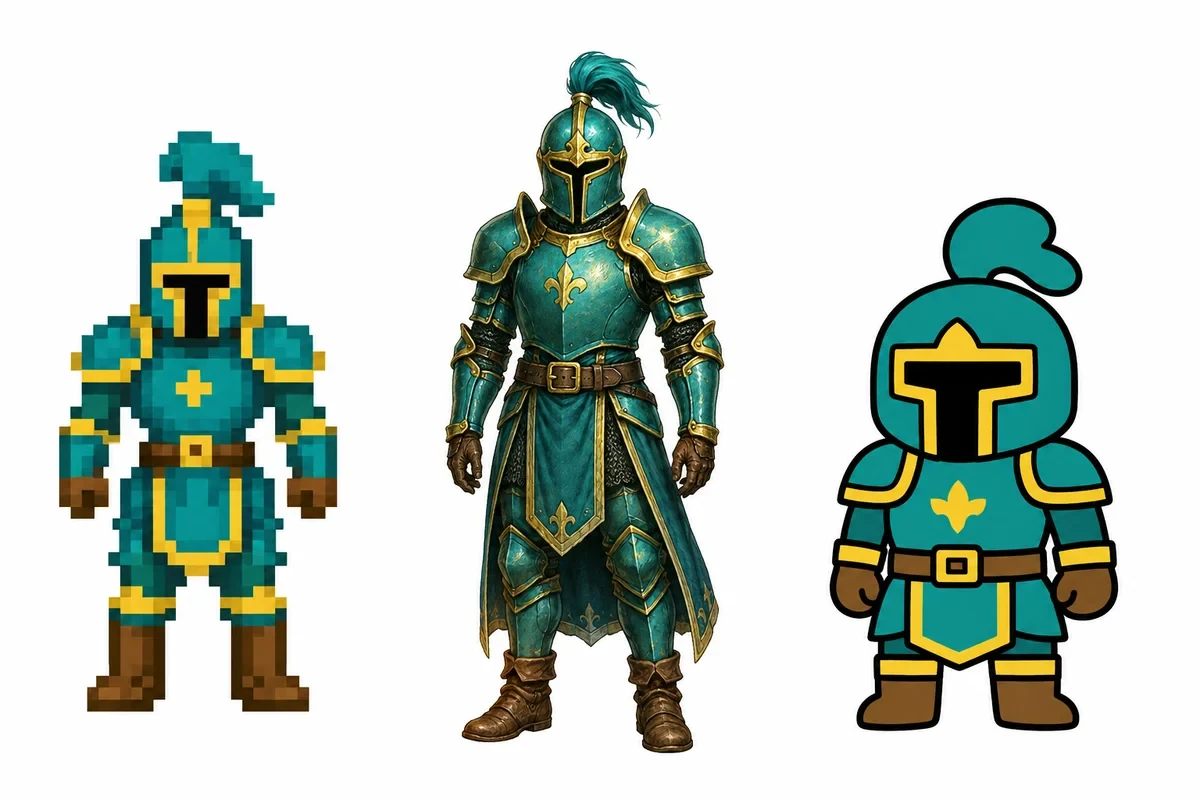
A pixel knight beside painted and cartoon character concepts

A Pixel Art Creator for Icons and Props

Use Pixel Art Maker to explore a character, treasure item, or scenery prop before placing it in a prototype. Describe its material, viewpoint, and silhouette, then assess the result before spending time refining small details.

Generate an asset
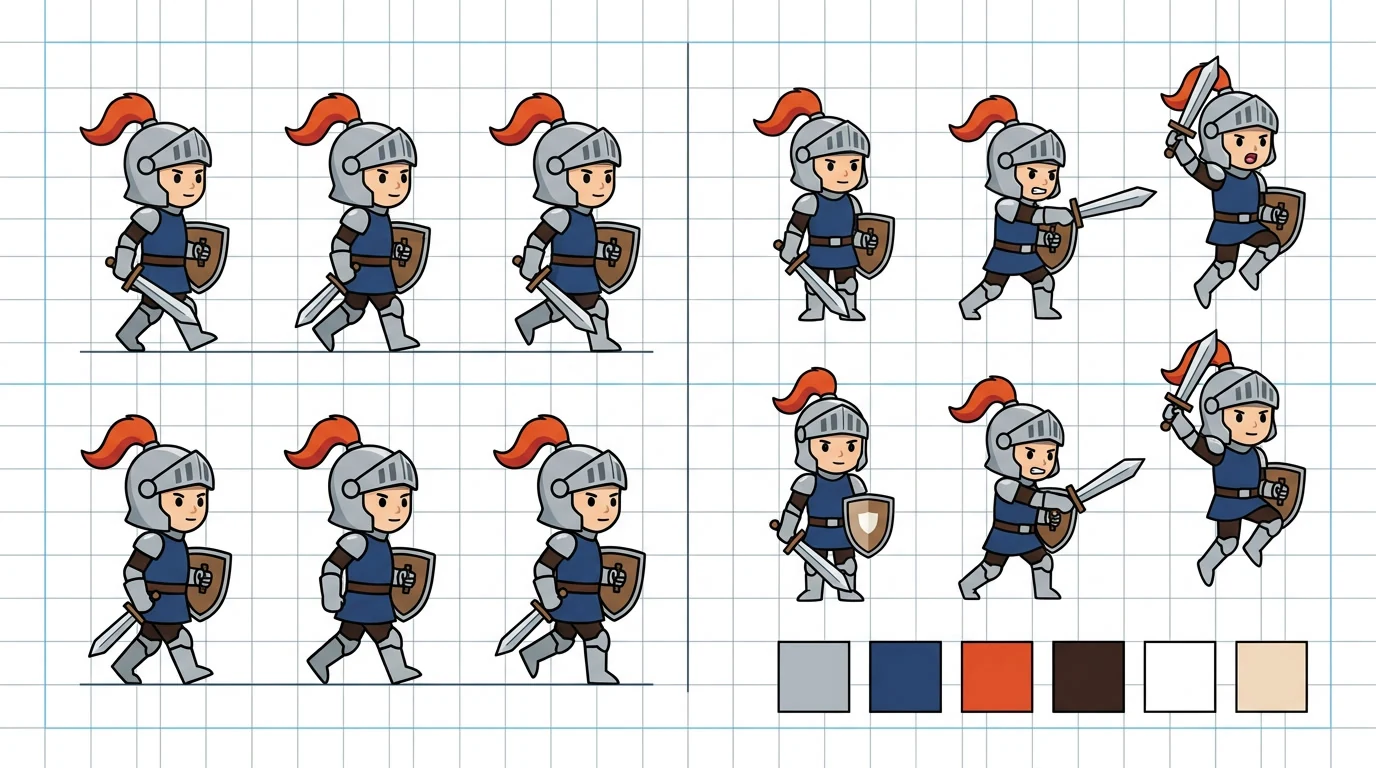
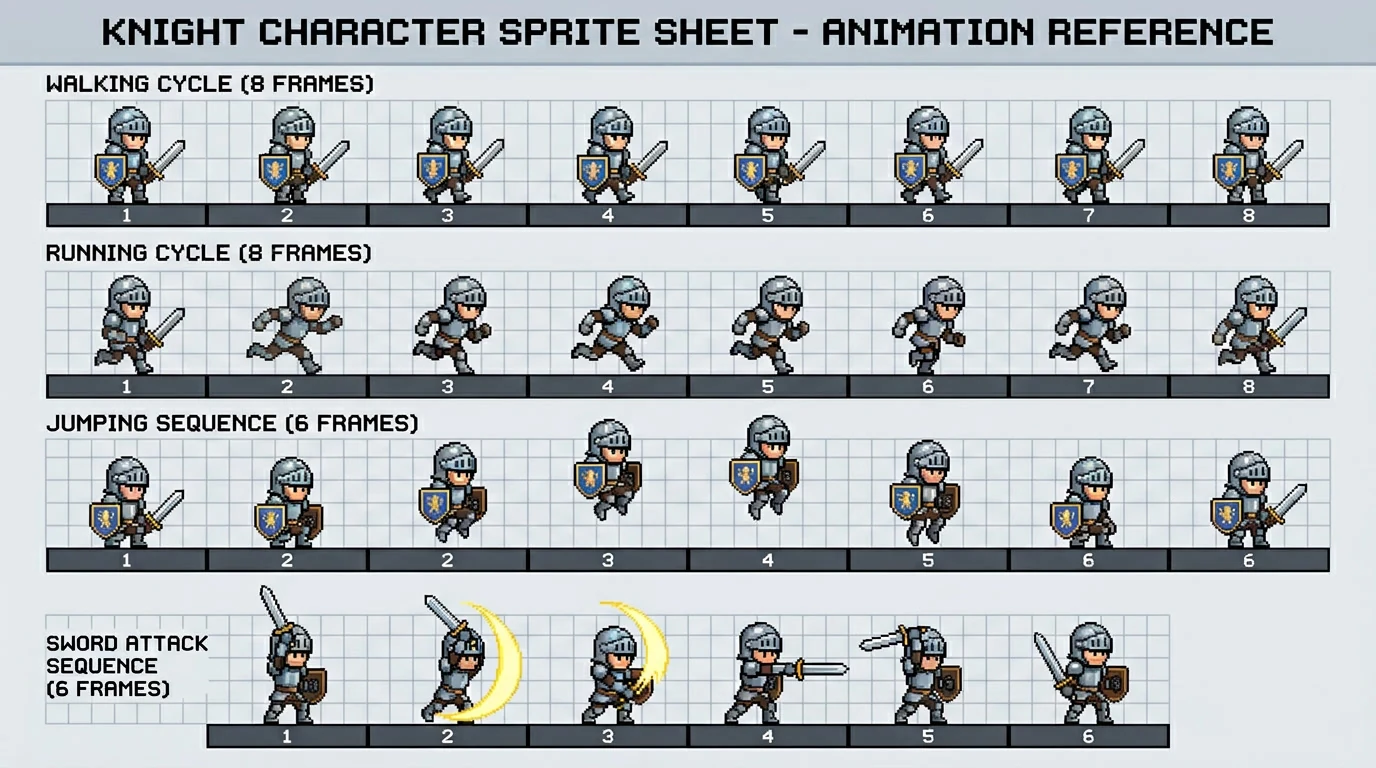
Illustrative knight poses sharing a gray armor palette

Give Your Pixel Art Generator a Visual Reference

Bring a reference image to the AI pixel art generator when a description needs visual context. Tell Pixel Art Maker which colors or shapes matter, then inspect the output against your brief before adding it to your asset collection.

Add a reference
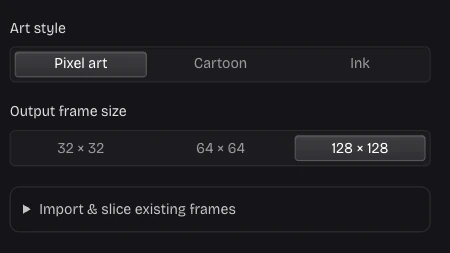
Pixel Art AI output size controls in the real local editor

Choose Pixels for the Intended Display Size

Pixel Art Maker offers 32, 64, and 128 pixel outputs. Choose a size that suits the asset and the space it will occupy. Smaller icons benefit from clear shapes; larger sprites leave more room for clothing and surface detail.

Choose your size
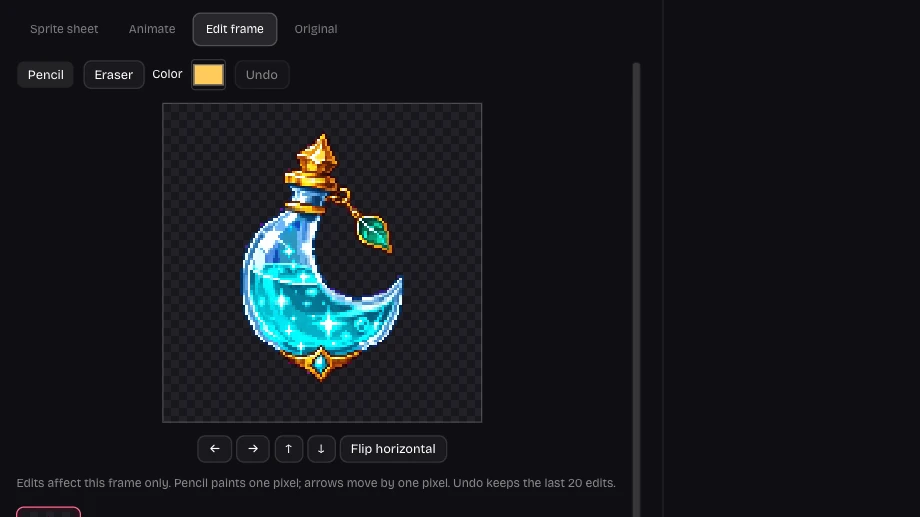
Real pixel editing controls for an imported image asset

Pixel Art Drawing with Individual Pixel Controls

Pixel Art Maker opens results in an editor with a brush, eraser, undo, offset, and flip controls. Paint pixel art details directly: repair an outline or adjust a silhouette while keeping the rest of your asset instead of regenerating it.

Edit your asset

Pixel Art Maker Online for Iterative Asset Work

Make pixel art online without committing your whole art direction. Pixel Art Maker lets you keep useful variations, inspect the details, and choose the asset that communicates the right idea at its intended display size.

A Pixel Maker for Prototype Assets

Use Pixel Art Maker to replace a placeholder with an icon or prop that communicates the intended item before polishing your final artwork.

Make Small Corrections Yourself

Paint pixel art details with the brush and eraser. Resolve a stray edge or color choice while preserving the shape and pixels you already like.

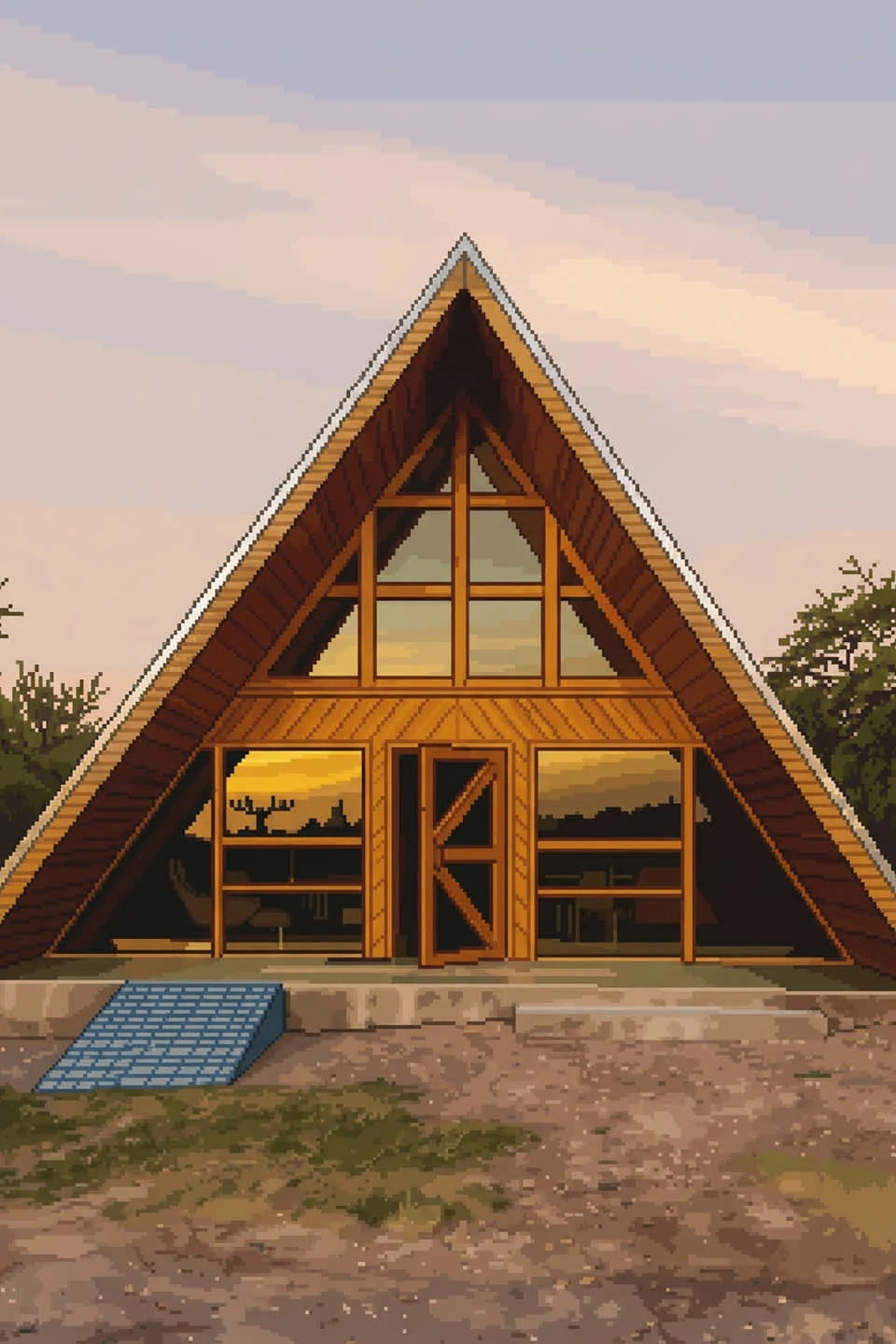
Pixel art A-frame cabin illustration from NanoPic

Continue Beyond a Single Image

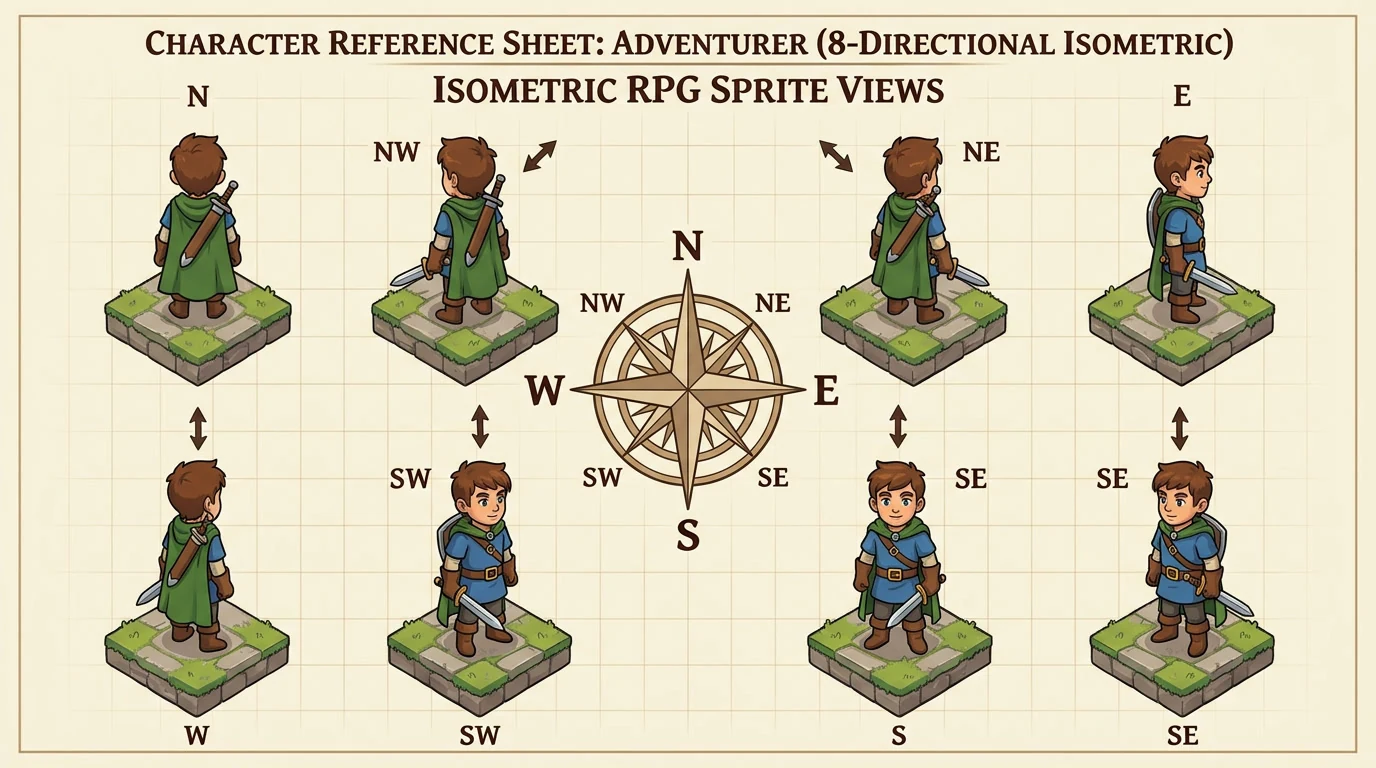
Move from Pixel Art Maker to character or animation work when an idea needs directions or movement, using the related tools below.

Pixel Art Maker Questions, Answered

Sprite Maker

Make Your Next Asset with Pixel Art Maker

Bring one clear idea, choose a pixel size, and turn it into an asset you can inspect, edit, and download.

Create pixel art